Drawer
FreeSide panel. Temporary drawers float over the page with a backdrop, close with Escape and move focus into the panel; set Temporary=false for a permanent sidebar. With Mini the closed drawer stays as a narrow rail of icons (give NavItems a Tooltip) and opening it shows icons with text.
Example
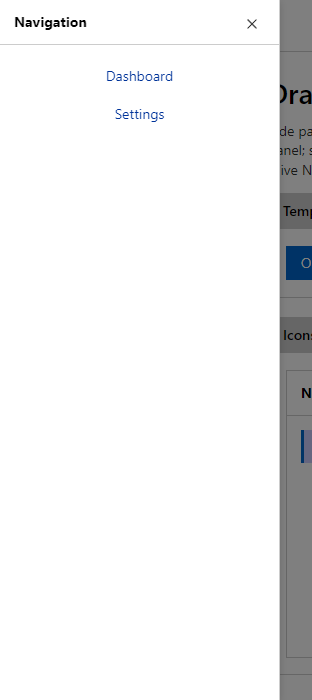
Parameters
| Parameter | Type | Description |
|---|---|---|
Anchor | DrawerAnchor | Left (default) or Right. |
ChildContent | RenderFragment | Content rendered inside the component. |
Class | string | Extra CSS classes added to the root element. |
Collapsible | bool | Adds a button that shows or hides the body. |
Mini | bool | Keeps a narrow icon-only rail when the drawer is closed; opening shows icons with text. |
Open | bool | Whether the drawer is shown. Use with @bind-Open. |
Style | string | Inline style added to the root element. |
Temporary | bool | Floats above the page with a backdrop (default true). |
Title | string | Title text (drawer header, tab caption, column header, step caption). |
Events
| Event | Type | Description |
|---|---|---|
OpenChanged | EventCallback<bool> | Raised when the drawer asks to close. |
Package
Drawer is part of RayCraft Free. Package: RayCraft.Blazor. It comes from nuget.org. See Getting started.
Send feedbackVersion 1.0.3