DesktopShell
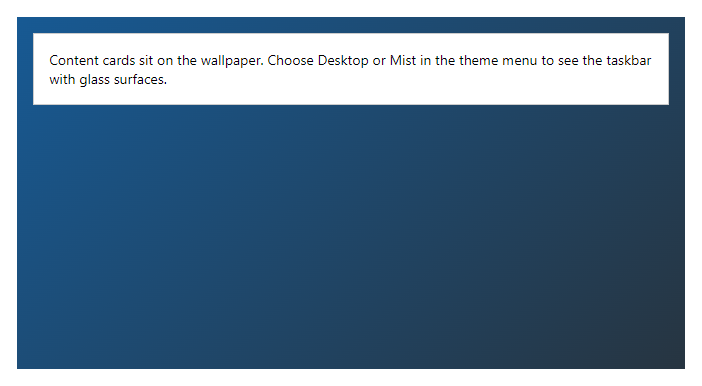
CompleteAn application shell with a wallpaper layer and a taskbar at the bottom. The four desktop themes (Desktop, Desktop Dark, Mist, Mist Dark) give it rounded corners, soft shadows and translucent surfaces.
Example
Parameters
| Parameter | Type | Description |
|---|---|---|
Center | RenderFragment | Content of the centre region of the taskbar (open items). |
ChildContent | RenderFragment | Content rendered inside the component. |
Class | string | Extra CSS classes added to the root element. |
ModuleName | string | Name of the current module, shown next to the start area of the taskbar. |
Navigation | RenderFragment | Side navigation; shown in the standard themes and hidden in the desktop themes, where the taskbar replaces it. |
NavigationLabel | string | |
Start | RenderFragment | First day shown (by default a little before the earliest task). |
Style | string | Inline style added to the root element. |
Tray | RenderFragment | Content of the tray region on the right of the taskbar (switchers, notifications, user menu). |
WallpaperAngle | int | Angle of the gradient in degrees. |
WallpaperColor | string | Colour of the wallpaper layer (hex, rgb, hsl or a colour name). Anything else is ignored. |
WallpaperColorEnd | string | Second colour; with WallpaperColor it makes a gradient. |
WallpaperImage | string | Address of a wallpaper image (http, https, relative or a data:image address). Other values are ignored. |
Package
DesktopShell is part of RayCraft Complete. Package: RayCraft.Blazor.Complete. It comes from the private RayCraft feed and needs an active license. See Getting started.
Send feedbackVersion 1.0.3