Alert
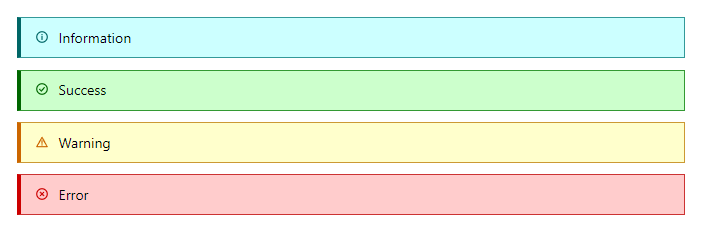
FreeInline message colored by severity, with a matching icon. Set Dismissible to show a close button; use bind-Visible or OnDismiss to react when it is closed.
Example
Parameters
| Parameter | Type | Description |
|---|---|---|
ChildContent | RenderFragment | Content rendered inside the component. |
Class | string | Extra CSS classes added to the root element. |
Dismissible | bool | Shows a close button. |
Severity | Severity | Semantic color: Neutral, Info, Success, Warning or Error. |
ShowIcon | bool | Shows the icon that matches the severity (default true). |
Style | string | Inline style added to the root element. |
Visible | bool | Whether the alert is shown. Use with @bind-Visible. |
Events
| Event | Type | Description |
|---|---|---|
OnDismiss | EventCallback | Raised when the close button is clicked. |
VisibleChanged | EventCallback<bool> | Raised when the alert is dismissed. |
Package
Alert is part of RayCraft Free. Package: RayCraft.Blazor. It comes from nuget.org. See Getting started.
Send feedbackVersion 1.0.3